Showing posts with label textures. Show all posts

Sunday, 8 February 2015

Everquest UT2004 maps - more textures and UV fixes

I've created some more textures using 3D and 3D sculpting for the Rock, Marble rock and grass in the scene. I then i had to spend a significant amount of time fixing and creating all the unwraps as all the texture warp on the ground/walls was incredibly noticeable with decent 512 and 1024 resolution textures.

Heres a screenshot with the original 64x64 Everquest textures
 and here is a screenshot with my 512 grass and 1024 rock texture.

It's been quite fun trying to retrofit this old scene but there's only so much I can do before it starts to loose its appearance, I'm going to finish up with the wood textures and move on from the map soon.

I've started creating a new map inspired by the Legend of Zelda: Windwaker using some simple hand-painted textures painted directly in Photoshop not using any sculpting at all. Below is an unlit screenshot of the scene in 3dsmax.


Thanks for reading,
-Andy

Tuesday, 3 February 2015

Everquest UT2004 maps - continued

I've finished fitting out the level and testing it with bot pathing and pickups, and I've moved on to cleaning up/reworking the geometry and textures. I'm taking a lot of care not to take aware from the classic old feeling area but there are things that just plain ugly, and the UV unwrapping and texture resolutions of the originals are beyond hideous.

I've spent some time chamfering corners and unwrapping the level as well as adding some more geometry to make the castle feel more like a castle.

Before:


After:

As you can see there's some extra trims and castle details, which are still quite blocky and keep with the old school geometry of the castle but add a lot to the aesthetics of it. I then decided to move on to recreating my first texture.

I modelled the bricks in 3ds max and imported them into mudbox to sculpt. Using screenfiltering to extract the base texture and normals (not that UE2 uses them xD) I also extracted some cavity maps and other masks to help my in photoshop while painting. I put a lot of time and care into making sure i matched the colours shape and values of the original texture to keep it as authentic as possible.

                                                                    Original texture:  


New texture:

I took a lot of inspiration from modern sculpt to handpainted styles as they make as much as of the diffuse channel as possible, the only channel ut2004 and everquest uses for textures as it's all vertex lit.

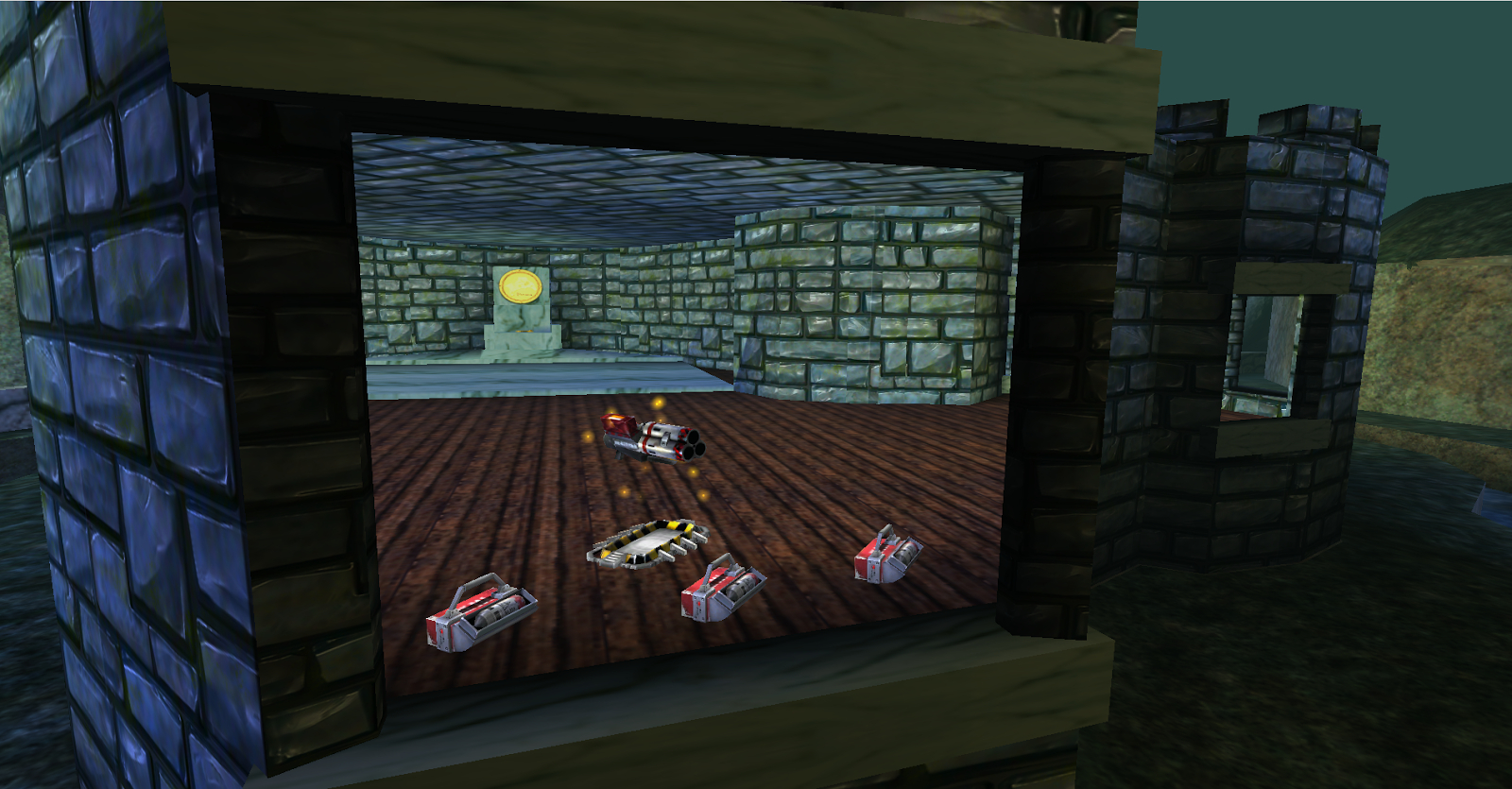
Here's the new texture in game


It made me realise I have a lot more UV's to sort out xD especially on the inside of the castle but it's a lot more pleasant too look at already. I also made a quick spec and took a render in marmoset showing the tiling texture with full diffuse specular and normals for future use on my portfolio website.


That's all so far this evening, I'm going to sculpt plank textures from the bridges and wooden flooring soon and perhaps make a mesh and sculpt the cobblestone wall just outside the castle. Thanks for reading

-Andy


Monday, 8 October 2012

Little update for the progress with my Unreal Game Blockade


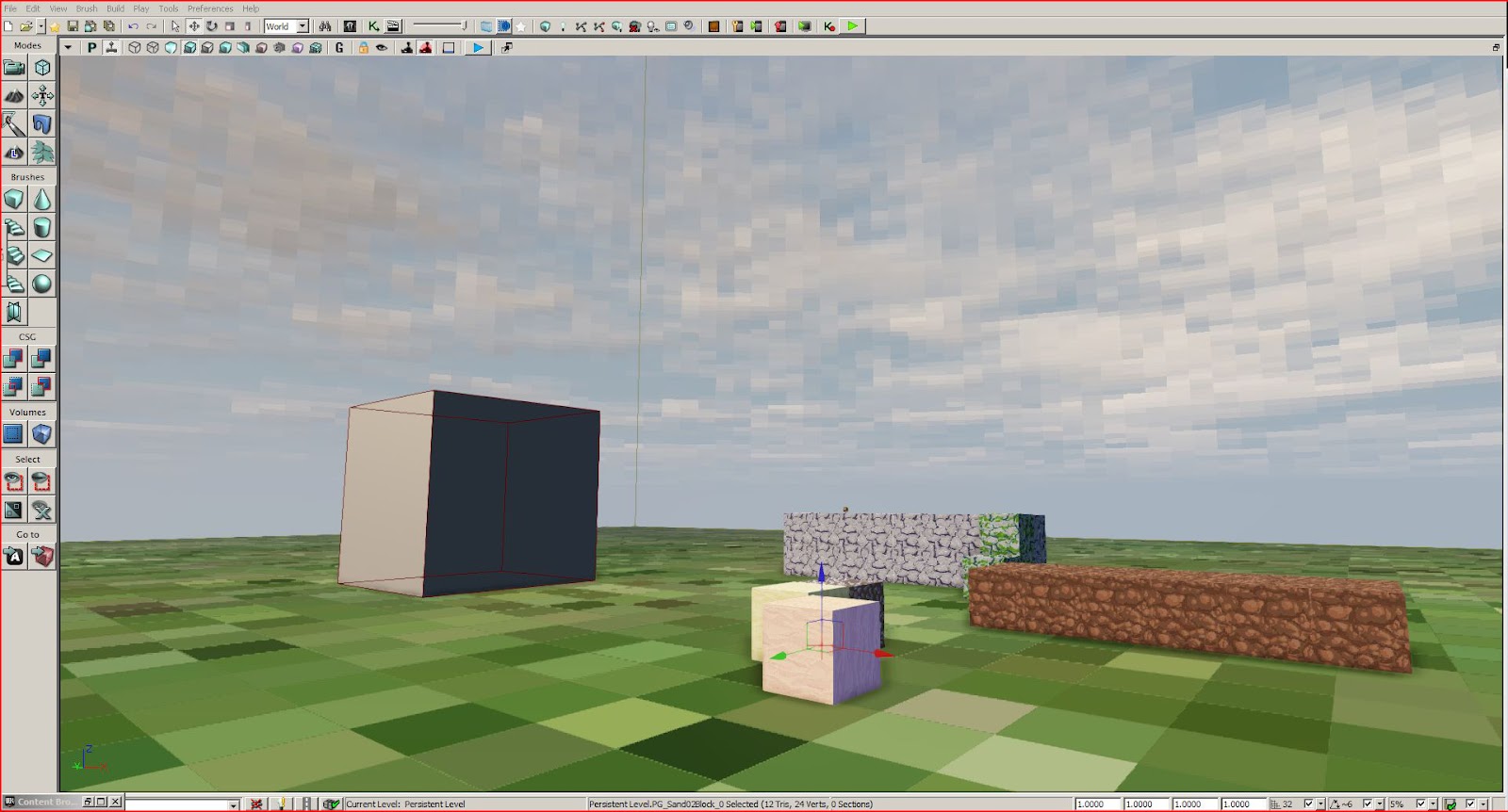
So i've got an atlas (1 texture maps) for all my 64x64 materials and cut it up into 16x16. Got the ideas from Minecraft textures packs/sheets. Using the material editor I've divided up the texture space and altered the UV's to view one section and offset the UV's for each material I've made referencing to the same texture.

Also used the same material set-up to pixelize drop the rez of the results in the sky-dome materials to create I nice looking voxel sky. The done the same to one my own grass textures for a quick floor placeholder.


I've coded the destructible blocks to store an up-datable material instance, so I can offset the uv's of a texture which stores a damage overlay for my materials, I can eventually make a better looking and unique one for each material however for now I've made a quick generic ones for testing purposes.

Scalar Paramater setup which is passed to the code which calculates the blocks health percentage remaining and uses a case statement to update the block to the appropriate UV space of the damage overlay.
 Test texture